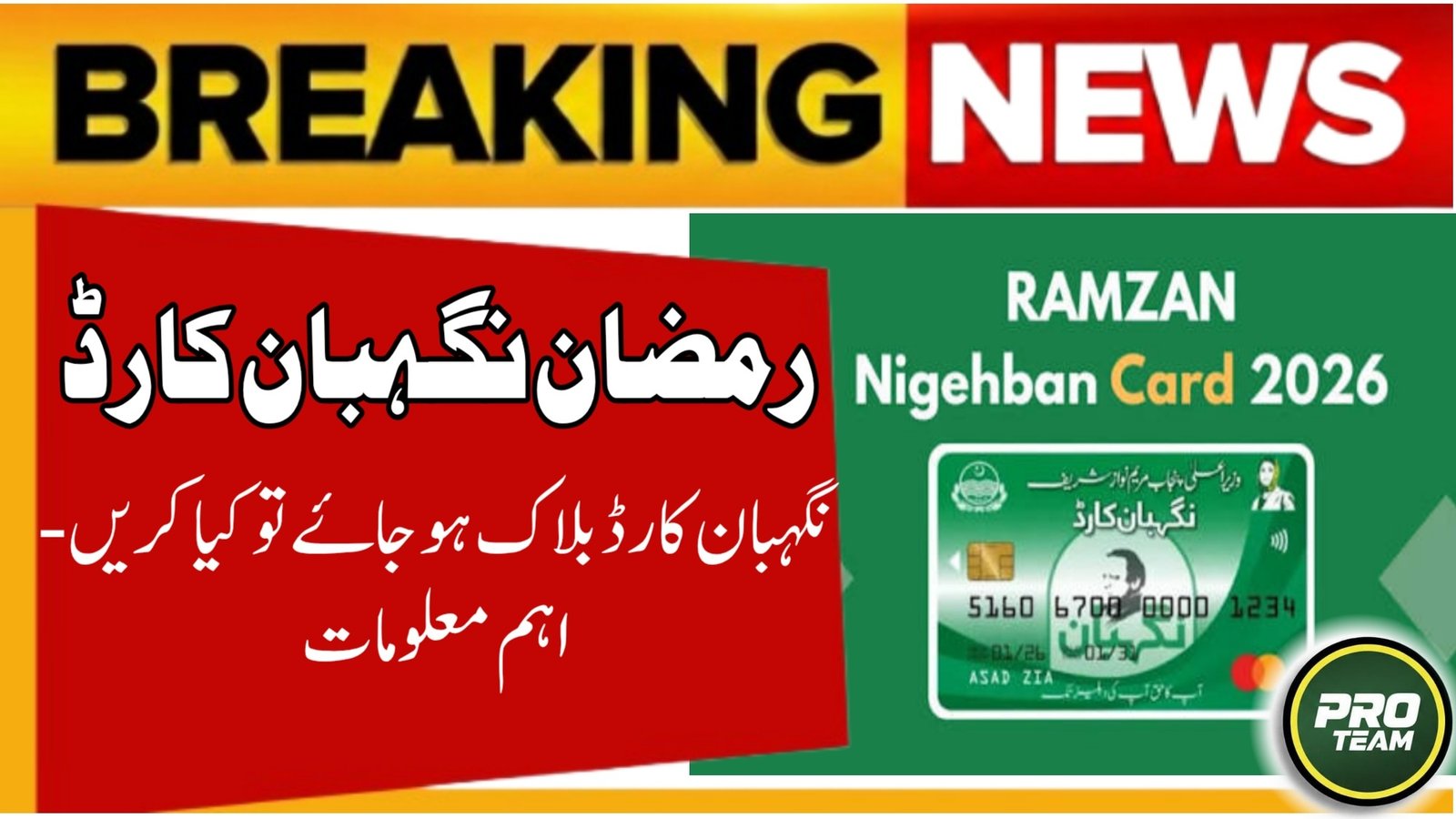
Many families in Punjab face the issue of a blocked Nigehban ATM Card in 2026, even after being approved for the Rs. 10,000 Ramzan relief package. A blocked card can happen due to data mismatches, verification problems, or system flags that automatically restrict access for security reasons. This article explains why the Nigehban ATM card gets blocked, how to check your status, and what steps you should take to unblock it safely using official procedures.
| Card Issue Detail | Status in 2026 |
|---|---|
| Common Problem | Nigehban ATM Card Blocked |
| Cash Assistance | Rs. 10,000 via ATM |
| Main Causes | Verification or PSER data mismatch |
| Verification Tools | SMS 8070 / PSER portal |
| Registration Source | PSER Nigehban database |
| Complaint Helpline | 0800-02345 |
| Support Offices | Assistant Commissioner (Tehsil) |
| Official Portal | pser.punjab.gov.pk |

Common Causes Why Nigehban ATM Card Gets Blocked
A blocked Nigehban ATM card typically happens automatically when the system detects a potential issue with your eligibility or verification data. Understanding these causes helps you take the right corrective step quickly.
- Verification mismatch between your CNIC and PSER Punjab records.
- Biometric errors due to repeated failed scans or authentication problems.
- Inactive or outdated data if your mobile number, address, or identity details are not updated.
- Suspicious system alerts that temporarily restrict cards pending manual review.

How to Check If Your Nigehban ATM Card Is Blocked
Before taking further action, confirm whether your card is truly blocked or just temporarily restricted by the system.
- Send your 13-digit CNIC to 8070 (without dashes) to check eligibility and card status.
- Visit the official PSER portal at pser.punjab.gov.pk and enter your CNIC to see the latest record status.
- Try a small withdrawal at any Bank of Punjab (BOP) ATM or a 1-Link network ATM to see the exact message displayed.
Official Steps to Unblock Nigehban ATM Card
If your Nigehban card is confirmed blocked, follow these official resolution steps in 2026:
- Update PSER Data: Visit your nearest PSER registration center to correct any incorrect family, income, or contact information.
- Visit Tehsil/AC Office: Take your original CNIC and ask for manual verification or card reactivation assistance at the Assistant Commissioner’s office.
- Biometric Recheck: If biometric errors caused the block, reverify your thumb at a designated ATM or biometric activation point.
- Confirm Mobile Registration: Ensure the SIM registered on your CNIC is active so you receive OTPs and updates for any reactivation processes.
PSER Data Mismatch and ATM Issues
The Punjab Socio-Economic Registry (PSER) is the authoritative database for all welfare programs including the Nigehban Card. Incorrect or outdated data in PSER often leads to blocked ATM cards.
| PSER Issue | Impact on Nigehban ATM Card |
|---|---|
| Wrong income data | Card flagged during verification |
| Incomplete family details | Eligibility suspended |
| Expired CNIC | Blocked card status |
| Invalid mobile number | OTP/delivery issues |
| Address mismatch | Payment blocked |
What to Do If Biometric Failure Led to Block
In 2026, biometric authentication continues to play a key role in welfare payment security. If repeated biometric failures lead to a blocked ATM card:
- Reattempt verification at a different Bank of Punjab or 1-Link ATM location.
- Ask for alternative verification at your Union Council or tehsil registration center (manual review is possible).
- Confirm CNIC validity with NADRA to make sure there are no identity-related blocks.
Nigehban Card Helpline and Support
If unblocking through the steps above does not work immediately, use official support:
- 📞 Helpline: Call 0800-02345 for guidance on Nigehban ATM card issues and status queries.
- ✉️ SMS Check: Send your CNIC to 8070 for the fastest official status update.
- 📍 Local Support: Visit your Assistant Commissioner or Tehsil office for in-person verification and complaint filing.
Latest Update 2026
In 2026, the government has improved the Nigehban system to prioritize blocked card reviews and reduce delays for genuine beneficiaries:
- Blocked card cases due to PSER mismatch are now reviewed on a priority basis by district welfare teams.
- Manual cash disbursement and alternate biometric checks have been made available to ensure families get their Rs. 10,000 assistance without repeated block errors.
Conclusion
A blocked Nigehban ATM card in 2026 is usually a temporary issue caused by verification, PSER data mismatch, or biometric block triggers. By checking your status through SMS or the official PSER portal, updating your records, and visiting your local administration office when needed, you can unblock your card and receive your cash support. Always rely on official systems like SMS 8070 and avoid unofficial messages asking for fees or personal account details.
FAQS:
Q1: Does a blocked Nigehban ATM card mean I lost my cash?
No; in most cases it’s temporary and linked to verification or data mismatch.
Q2: How long does it take to unblock the card?
Once verified through PSER or manual review, it usually takes a few working days.
Q3: Can I withdraw cash without unblocking the card?
Yes, after manual verification at the local office in some cases.
Q4: Is there any charge to unblock the Nigehban ATM card?
No; all official unblocking and verification services are free.
Latest Updates
 PSER Punjab Gov PK Registration 2026 – How to Apply Online or Offline (Complete Step-by-Step Guide)
 State Bank of Pakistan Ramadan Timing 2026 – Official Banking Hours Update
 Punjab Gas Supply Timings Announced for Ramadan 2026 – Complete Sehri & Iftar Schedule for All Cities
 How to Use the Kafalat Portal to Track Your Child’s BISP Payments 2026 – Complete Step-by-Step Guide
 BISP Installment Update 2026: Rs. 13,500 Payment Details and Complete Check Guide
 Live Update: 8070 Muft Atta Program 2026: Free Flour Registration in Pakistan