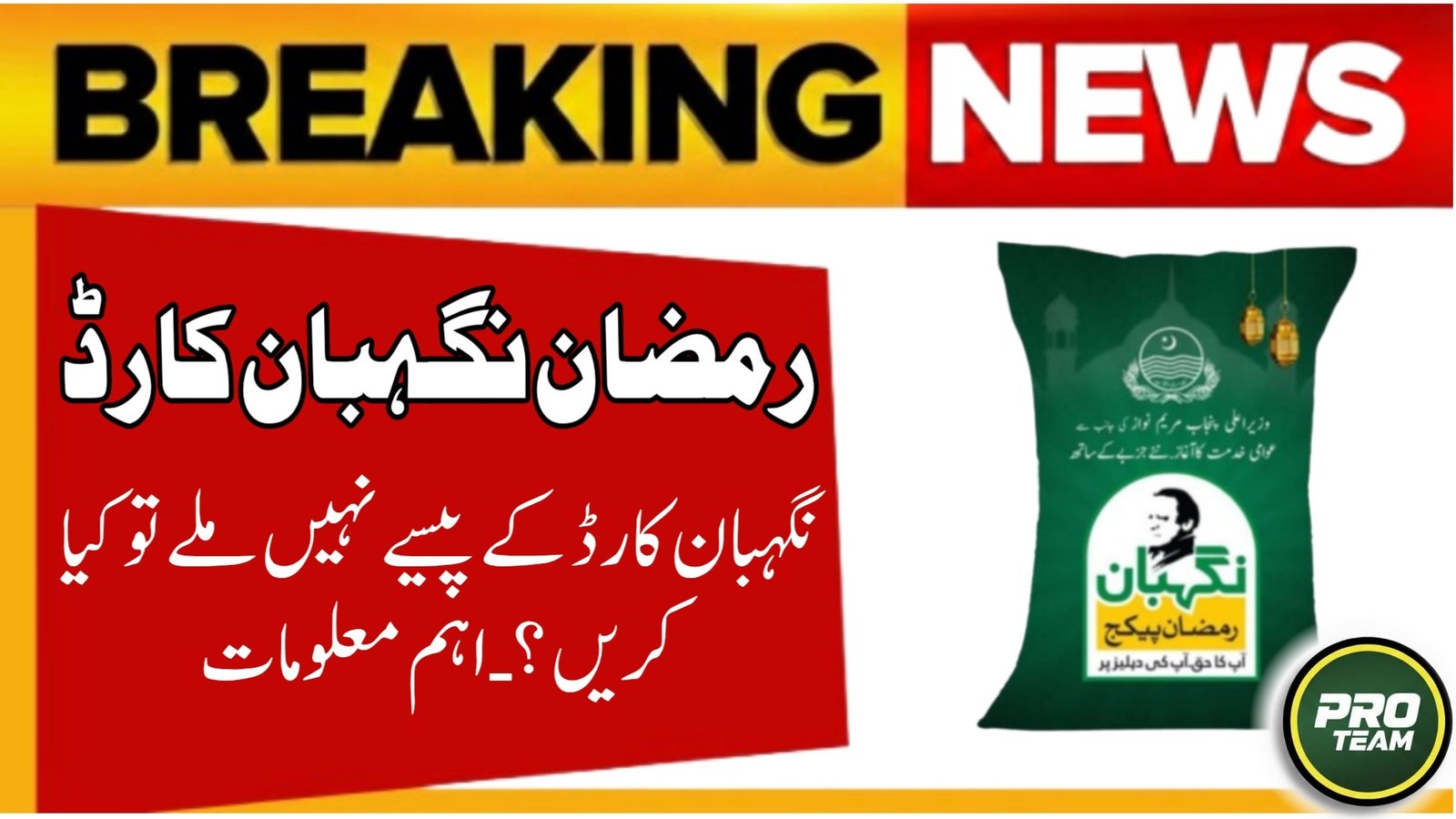
The Nigehban 10000 Rupees cash assistance is an important financial support program introduced by the Punjab Government 2026 to help deserving families during Ramzan. Many approved beneficiaries face issues where the Nigehban 10000 payment is delayed or not received, even after confirmation. This usually happens due to verification gaps, payment channel errors, or record mismatches in government databases. Understanding the exact reason early can help you recover your payment before the distribution phase ends.
- Most payment failures are linked to PSER or CNIC verification issues
- Delayed payments are usually resolved after data correction and re-verification
| Issue Type | Common Reason in 2026 |
|---|---|
| Payment Not Received | CNIC verification pending |
| Status Approved | Wallet or bank issue |
| SMS Received | Cash transfer failed |
| Eligible but No Payment | PSER data mismatch |
| Delayed Payment | System backlog |

Verify PSER Registration Status
The first and most important reason for not receiving Nigehban 10000 cash is incomplete or outdated PSER registration. In 2026, all Nigehban payments are strictly issued through PSER-verified households. Even a small mismatch can stop payment processing.
You must ensure your family record is active, updated, and verified in the PSER database through the official portal https://pser.punjab.gov.pk.
- Household income details must be accurate
- Family head CNIC must be active
- Address must match Punjab residency
- Old BISP data is not valid without PSER update

CNIC and NADRA Verification Problems
Many cases of Nigehban 10000 rupees not received are linked to NADRA verification issues. Payments are automatically blocked if the CNIC status is not fully verified.
- CNIC expired or blocked
- Biometric verification incomplete
- Name or date of birth mismatch
- Family member CNIC flagged
Mobile Wallet or Bank Account Issues
The Nigehban 10000 cash payment is usually transferred through mobile wallets or designated banking channels. If your wallet is inactive or not linked correctly, the payment will fail silently.
- SIM not registered on your CNIC
- Wallet not activated (JazzCash/EasyPaisa)
- Incorrect mobile number in PSER record
- Daily transaction limit exceeded
SMS Confirmation Received but Cash Not Credited
Some beneficiaries receive an approval SMS but still do not receive the Rs. 10,000 cash. This usually means the payment is pending or reversed.
- High transaction volume delays processing
- Temporary system errors
- Payment reversed due to wallet mismatch
- Multiple payments attempted on same CNIC
PMT Score Changes and Automatic Blocking
The Proxy Means Test (PMT) score directly affects Nigehban payments. If your score increases due to recent financial activity, your payment may be paused even after approval.
- Vehicle registration detected
- High electricity or gas bills
- Salary or pension record added
- Business activity flagged
Steps to Recover Nigehban 10000 Payment
If your Nigehban 10000 rupees are not received, follow these steps immediately to avoid missing the payment window.
- Send CNIC (without dashes) to 8070 again
- Visit nearest Tehsil or Assistant Commissioner office
- Update mobile number and wallet details
- Request PSER re-verification
- File a complaint through official helpline
Payment Delay Timeline in 2026
Understanding the payment cycle helps reduce panic. Many payments are delayed but not cancelled.
| Payment Stage | Expected Time |
|---|---|
| Approval SMS | Immediate |
| Wallet Transfer | 3–7 working days |
| Delayed Cases | Up to 14 days |
| Complaint Resolution | 7–10 days |
Common Mistakes That Stop Payment
Many applicants unknowingly make errors that block Nigehban 10000 cash transfer.
- Using someone else’s SIM
- Entering wrong CNIC format
- Multiple SMS attempts in short time
- Trusting agents or unofficial sources
Conclusion
If Nigehban 10000 rupees are not received, it does not always mean rejection. In most cases, the issue is linked to PSER data, CNIC verification, or wallet activation problems. By updating records, verifying identity, and using official complaint channels, eligible families can still receive their rightful cash assistance. Staying informed and correcting errors on time greatly improves payment recovery chances.
FAQs:
Q1: I received approval SMS but no money, what should I do?
Wait 3–5 working days, then verify wallet activation and PSER data.
Q2: Can payment be received without a mobile wallet?
In some cases, cash is issued through designated centers, but wallet is preferred.
Q3: How many times can I send CNIC to 8070?
Limit attempts and wait at least 24 hours between messages.
Q4: Is Nigehban 10000 paid again if missed once?
Yes, if verification issues are resolved before the distribution phase closes.
Latest Updates
 PSER Punjab Gov PK Registration 2026 – How to Apply Online or Offline (Complete Step-by-Step Guide)
 State Bank of Pakistan Ramadan Timing 2026 – Official Banking Hours Update
 Punjab Gas Supply Timings Announced for Ramadan 2026 – Complete Sehri & Iftar Schedule for All Cities
 How to Use the Kafalat Portal to Track Your Child’s BISP Payments 2026 – Complete Step-by-Step Guide
 BISP Installment Update 2026: Rs. 13,500 Payment Details and Complete Check Guide
 Live Update: 8070 Muft Atta Program 2026: Free Flour Registration in Pakistan