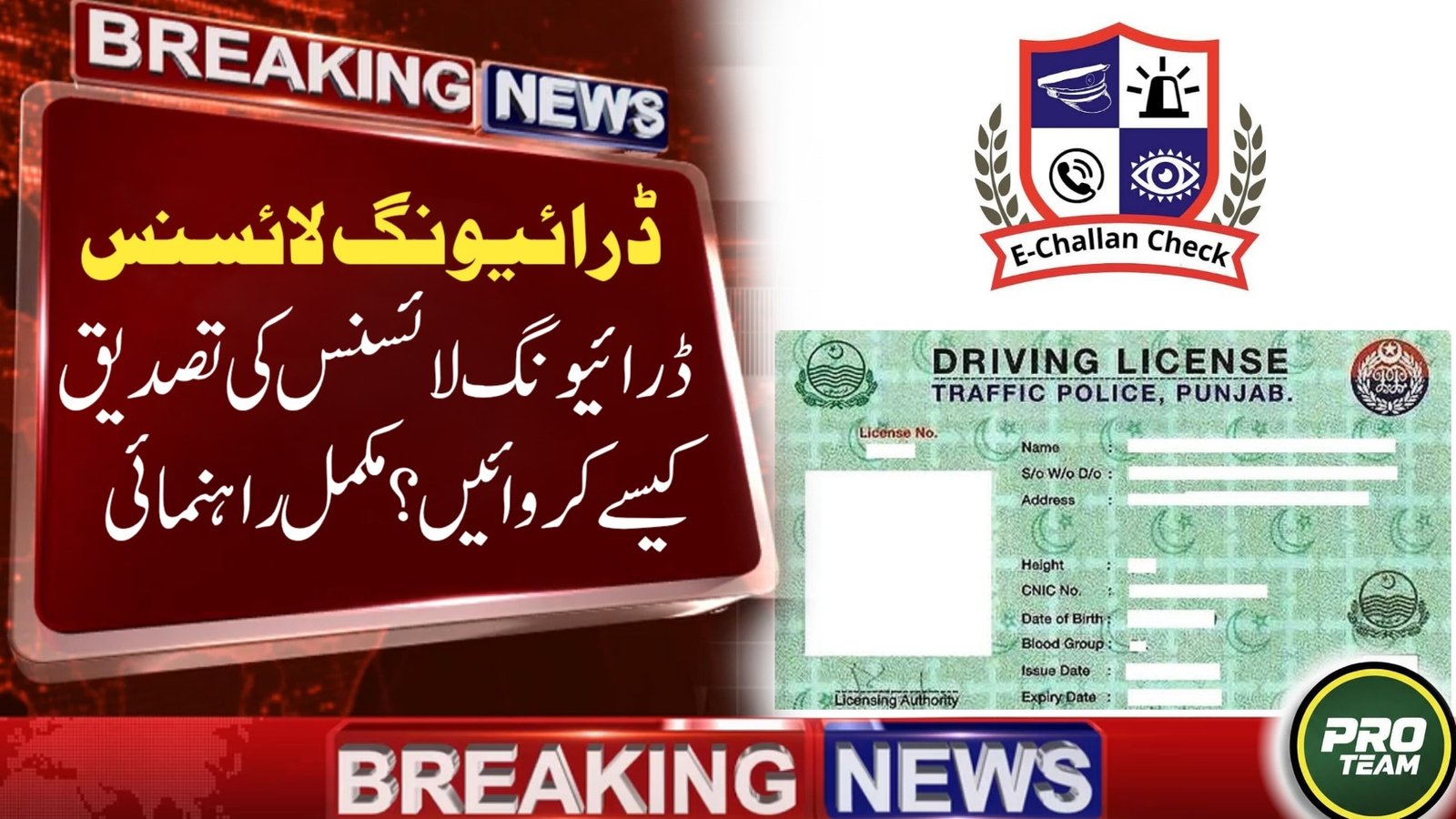
Verifying your driving license online in Punjab is now fast and secure with the DLIMS (Driving License Issuance Management System). This official portal allows citizens to check license status, issue and expiry dates, and personal details from home. If you hold a license in Punjab, knowing how to verify it online ensures you remain compliant with traffic rules and avoid fines.
• Instantly check your driving license status
• Access your digital E-License legally on mobile
| Feature | Details |
|---|---|
| Service | DLIMS Online Driving License Verification |
| Portal | dlims.punjab.gov.pk |
| Required Info | Driving License Number & CNIC |
| Verification Type | Real-time from Punjab Police Database |
| Availability | 24/7 Online |
| Confirmation | Online Status & SMS Alert |
| License Types | Learner, Permanent, & International |
| Mobile App | Rasta App (Available on Play Store) |

Importance of DLIMS Online Verification for Drivers
The DLIMS verification system is a vital tool for all Punjab drivers. It allows you to verify license authenticity instantly and ensures your record is safe from errors or fraud.
- Stay Legal: Keep your license record active in the Punjab Police database
- Avoid Fines: Traffic wardens can check your license digitally
- Easy Renewal: Know your expiry date early to renew on time
- Employment Verification: Employers can verify your license quickly
- Trusted Data: Information is sourced directly from Punjab Police

Step-by-Step Process to Verify Driving License via CNIC
Checking your license online is simple and takes less than a minute.
- Open the official DLIMS portal: https://dlims.punjab.gov.pk
- Click “Verify License” on the homepage
- Enter your CNIC and Driving License number carefully
- Complete the captcha verification for security
- Press Submit to see your license status and personal details
How to Download Your Digital E-License in Punjab
The Digital E-License lets drivers carry a legal license digitally. This is useful if your physical card is lost or unavailable.
- Access the E-License section on the official DLIMS website
- Enter your CNIC and Date of Birth
- Generate a digital PDF license with a unique QR code
- Save the PDF to your mobile or print a copy
- Traffic wardens can scan the QR code to verify your license instantly
Common Issues and Solutions During DLIMS Verification
While using DLIMS, some errors may occur. Here’s how to resolve them:
- New Record Not Found: Recent licenses may take 48-72 hours to update
- Incorrect CNIC or License Number: Double-check all digits
- Old Manual Licenses: Pre-DLIMS licenses may not appear online
- Wrong Province Entry: DLIMS only works for Punjab
- Server Maintenance: Temporary downtime may delay verification
DLIMS Helpline and Official Contact Information
For help with license verification or E-License download, use these official contacts:
- DLIMS Helpline: 042-99202892
- Emergency Assistance: Dial 15 for urgent traffic issues
- Email Support: info@dlims.punjab.gov.pk
- Police Khidmat Markaz: Visit any local center for in-person help
- Official Website: https://dlims.punjab.gov.pk
Conclusion
The DLIMS online driving license verification system is a reliable, fast, and legal tool for all drivers in Punjab. Citizens can verify their license, download a legal E-License, and stay compliant with traffic regulations. Using the official DLIMS portal ensures accuracy, convenience, and security, making it an essential service for every driver in Punjab.
Latest Updates
 PSER Punjab Gov PK Registration 2026 – How to Apply Online or Offline (Complete Step-by-Step Guide)
 State Bank of Pakistan Ramadan Timing 2026 – Official Banking Hours Update
 Punjab Gas Supply Timings Announced for Ramadan 2026 – Complete Sehri & Iftar Schedule for All Cities
 How to Use the Kafalat Portal to Track Your Child’s BISP Payments 2026 – Complete Step-by-Step Guide
 BISP Installment Update 2026: Rs. 13,500 Payment Details and Complete Check Guide
 Live Update: 8070 Muft Atta Program 2026: Free Flour Registration in Pakistan