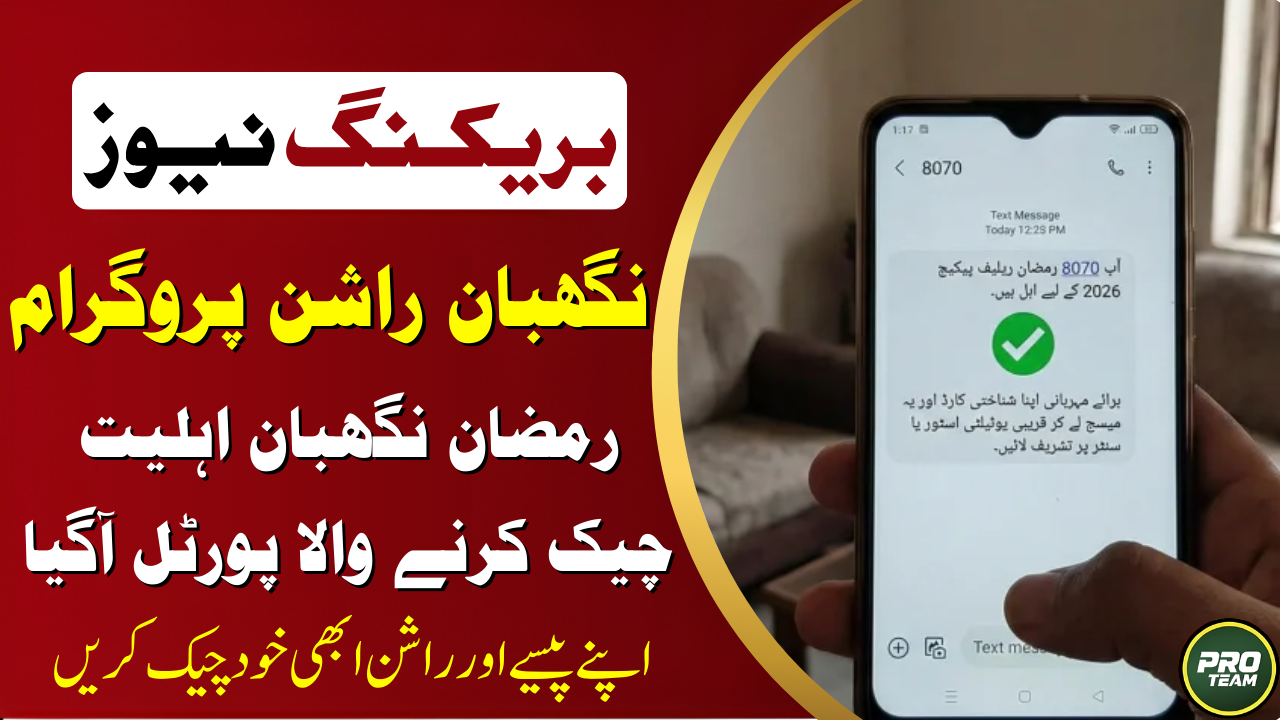
Got a ‘Not Eligible’ message after checking your 8070 Negahban Rashan Program status? Don’t lose hope! This common issue can often be fixed by updating your family records in the Punjab Socio-Economic Registry (PSER) or correcting errors in your NADRA data. Understanding why the automated system rejected your CNIC is the first step to getting your Rs. 10,000 Ramzan relief approved before the deadline. This guide explains the main reasons for rejection and provides a clear, step-by-step process for re-verification and appeal.
Common 8070 Status Messages & Meanings
| SMS Reply from 8070 | What It Means | Immediate Action Required |
|---|---|---|
| “Eligible” | Approved for aid. | Await payment instructions. |
| “Not Eligible” | Failed automated criteria. | Check & update PSER/NADRA data. |
| “Survey Required” | PSER data missing/incomplete. | Visit Union Council for survey. |
| “Data Incomplete” | CNIC details mismatched. | Verify details at NADRA center. |
| “Under Process” | Application being reviewed. | Wait for final SMS update. |
Why Did You Get a ‘Not Eligible’ Status?
The 8070 Negahban Rashan Program automatically checks your CNIC against multiple databases. A rejection is usually due to one of these reasons:
- High Poverty Score: Your household’s Proxy Means Test (PMT) score is above the eligible threshold (often below 30-35).
- Asset Mismatch: Your CNIC is linked to assets like a car, large property, or business that disqualifies you.
- Income Threshold: Official records show monthly income exceeding the limit (approx. Rs. 60,000).
- Outdated PSER Data: Your household has not been surveyed or your details are old in the Punjab Socio-Economic Registry.
- Duplicate Benefit: You are already receiving another major government stipend like BISP.
Step-by-Step Guide to Fix Eligibility & Re-Verify
If you received a ‘Not Eligible’ or ‘Survey Required’ message, follow these steps:
- Verify Your PSER Registration First:
- Visit the official PSER portal: [pser.punjab.gov.pk].
- Enter your CNIC to check your current record.
- If your data is missing or old, note that you need a new survey.
- Complete/Update Your Socio-Economic Survey:
- Visit your local Union Council office or designated e-Khidmat center.
- Request a PSER household survey update.
- Provide accurate details about income, family size, and assets.
- Update Your NADRA Records:
- Visit any NADRA E-Sahulat Center.
- Ensure your CNIC details, family registration (FRC), and biometrics are current and correct.
- Re-Check Your Status:
- After completing steps 2 & 3 (allow a few days for update), send your CNIC via SMS to 8070 again.
- Alternatively, re-check online via the PSER portal.
Who to Contact for Help? (Official Helpline)
If you face persistent issues or need guidance:
- Contact the Punjab Social Protection Authority Helpline.
- Visit your District Deputy Commissioner (DC) Office for grievance resolution.
- Never pay any agent for eligibility fixes. The process is free through official channels.
How to Avoid Common SMS Errors
| Do This | Avoid This |
|---|---|
| Send CNIC without dashes/spaces (e.g., 1234512345671). | Sending CNIC like 12345-1234567-1. |
| Use the mobile number registered with your CNIC. | Using a SIM not registered in your name. |
| Wait for network signal before sending. | Sending SMS in poor network area. |
| Type the number 8070 correctly. | Typing 8007 or 8700 by mistake. |
Frequently Asked Questions (FAQs)
Q1: How long does it take for updated data to reflect in the 8070 system?
After updating your PSER survey or NADRA records, it can take 7 to 14 working days for the system to refresh. Check your status again after this period.
Q2: Is there an offline way to check and fix my status?
Yes. You can visit your Tehsil Municipal Administration (TMA) office or the District DC office with your original CNIC. They can check your status and guide you on the resurvey process.
Q3: What if I am eligible but didn’t receive payment instructions?
First, confirm your eligibility on the PSER portal. If it shows ‘Eligible’ but you got no SMS, contact the official helpline to report the missing communication.
Q4: What is the official website for the 8070 Negahban Rashan Program?
All official information is hosted on the Punjab Government’s PSER portal: [pser.punjab.gov.pk].
Conclusion
A ‘Not Eligible’ status from 8070 Negahban Rashan Program 2026 is not always final. By proactively updating your PSER survey and NADRA records, you can correct the data discrepancies that caused the rejection. Act swiftly before the registration window closes, use only official channels for re-verification, and secure your chance to receive the essential Rs. 10,000 Ramzan relief for your family.
Latest Updates
 Maryam Nawaz’s Commitment to Continue Support through the Nigheban Program 2026
 Rashan Card Complaint Online 2026 – Complete Step-by-Step Guide for Quick Problem Resolution
 Why Nigehban Card Status Is Not Showing Online: Reasons and Solutions
 Ramzan Rashan Card List 2026 – Online Check by CNIC & Rs 10,000 Assistance Guide | Complete Eligibility & Payment Details
 Big News: Parwaz Card Last Date to Apply 2026 – Apply Before Time Runs Out!
 PSER Punjab Gov PK Registration 2026 – How to Apply Online or Offline (Complete Step-by-Step Guide)